


Tag: how to
-
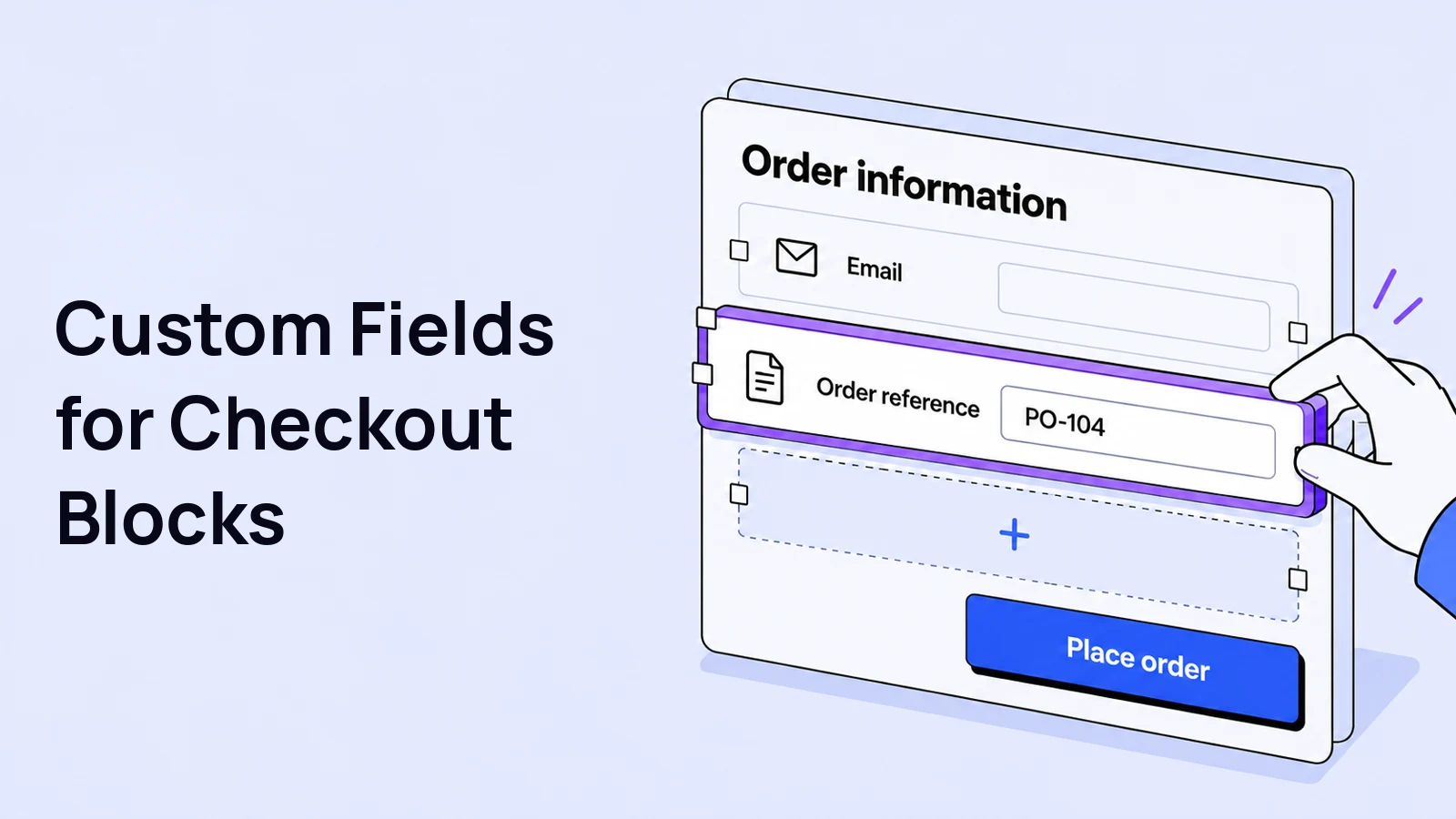
How to Add Custom Order Fields to WooCommerce Checkout Blocks
Add custom order fields to WooCommerce Checkout Blocks with Swift Commerce. Follow the text-field setup, optional Pro examples and a complete test-order checklist.
-
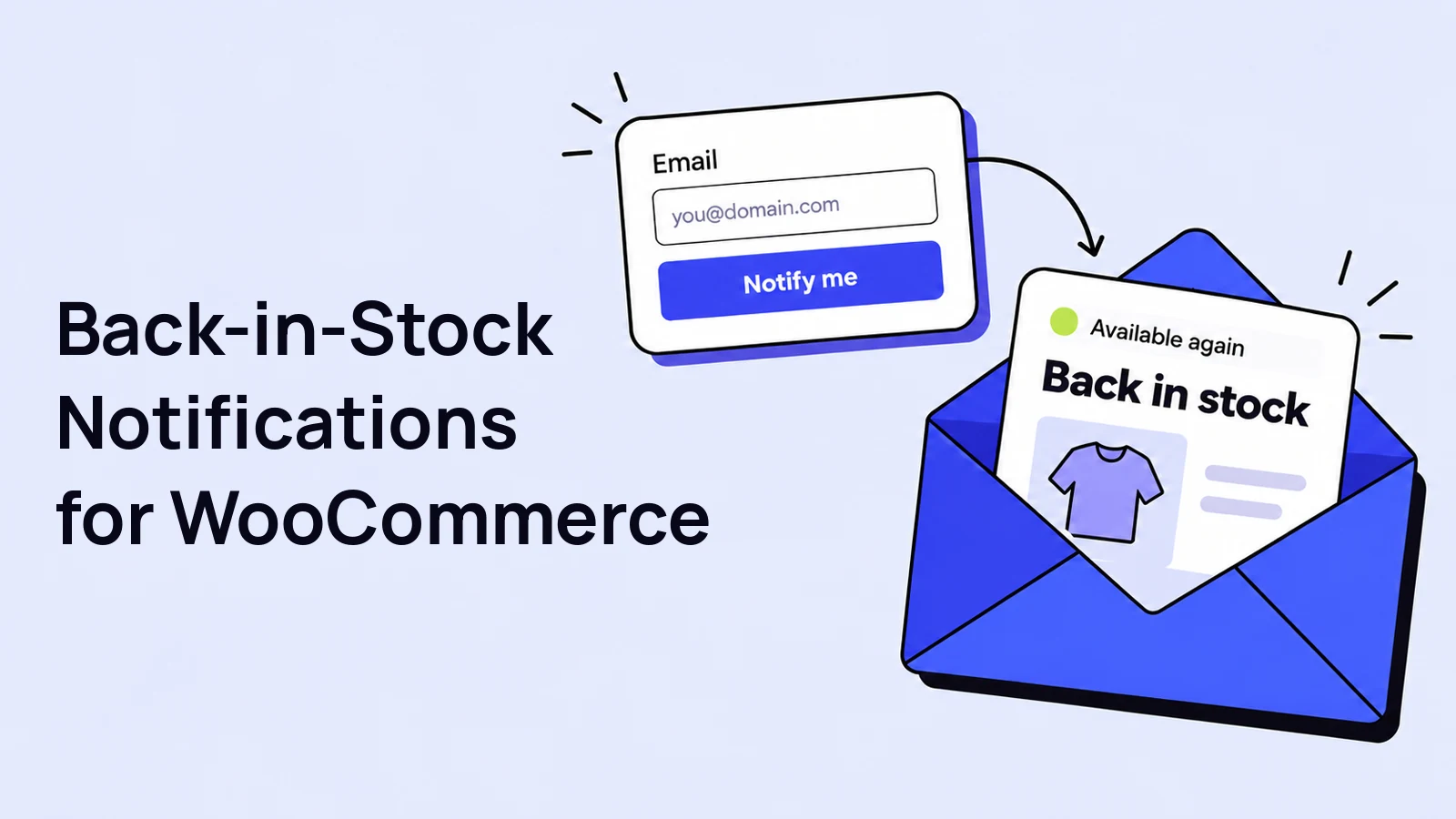
How to Add Back-in-Stock Notifications to WooCommerce
Set up WooCommerce back-in-stock notifications with Swift Commerce. Configure the signup form, confirmation emails and restock rules, then test the complete alert flow.
-

How to Require Admin Approval for WordPress Registrations
Hold new WordPress registrations for manual review with Swift Commerce Pro. Set up approval emails, review pending accounts and test approval before opening registration.
-

How to Require Email Verification for WooCommerce Customers
Require new WooCommerce customers to verify their email before signing in. Follow the Swift Commerce Free setup, customize the email and test the full…
-

WooCommerce Subscriptions: A Practical Setup Guide
Plan subscription products, check renewal payment support, test the customer journey, and measure retention before scaling.
-
Streamlining WooCommerce Operations: From Order to Delivery
For many new eCommerce founders, the ultimate goal is generating traffic and securing that first wave of conversions. You spend weeks perfecting your web…
-

Managing Inventory with Smart Product Quantity Limits
Product quantity limits help define how customers can buy stock you sell in packs, wholesale quantities or limited runs. Set minimums, maximums and steps…
-

How to Choose the Best Email Verification Tool for WooCommerce
I remember a few years back, I was helping a store owner who was incredibly proud of his “growth.” His WooCommerce dashboard showed ten…
-

How to Add Invisible reCAPTCHA v3 in WooCommerce Store
Google reCAPTCHA v3 checks a form submission in the background and returns a risk score. Swift Commerce compares that score with your chosen threshold.…