Understanding WooCommerce Hosting Costs
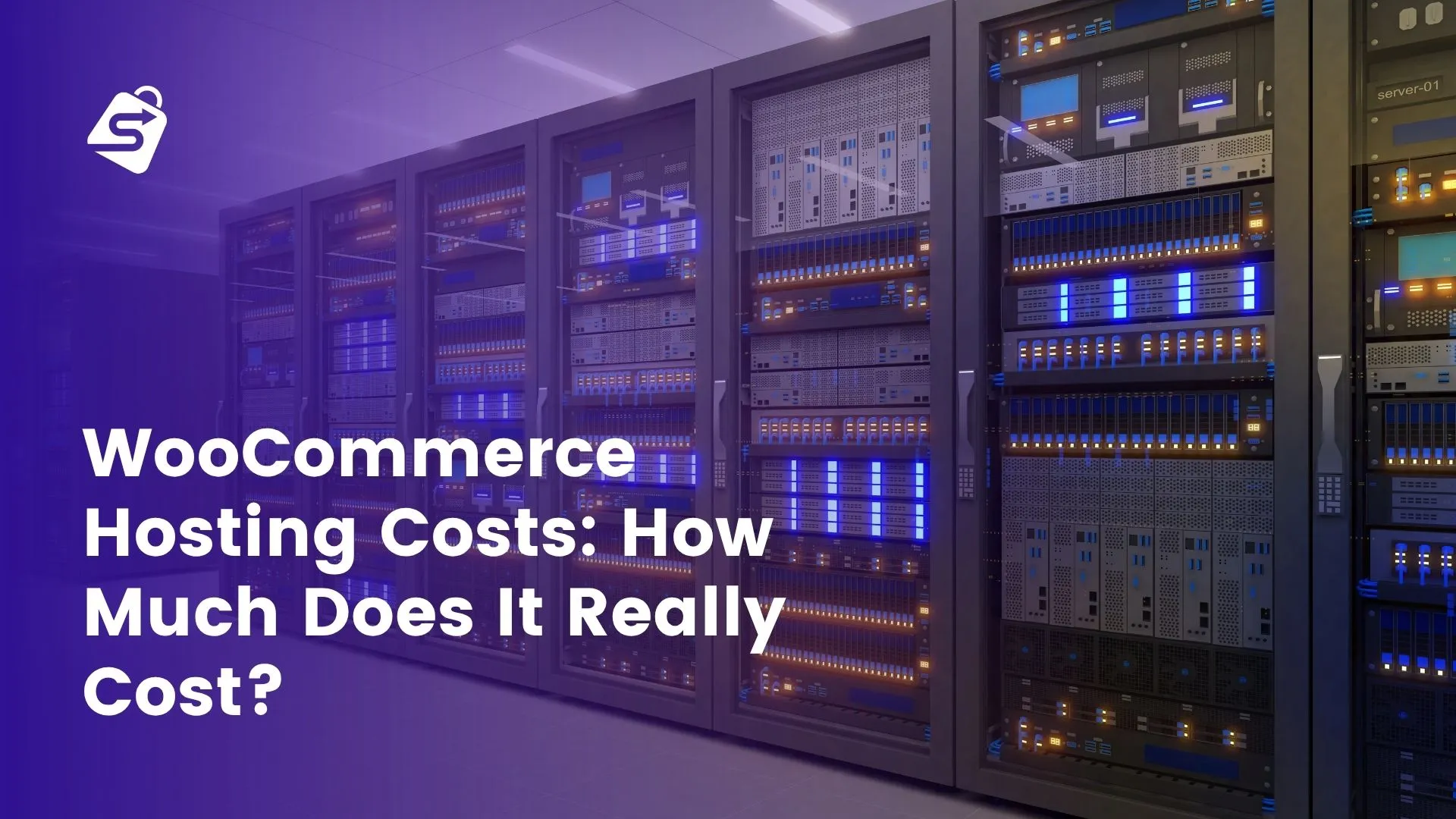
When you’re setting up a WooCommerce store, the hosting bill is often the first number you see. But that monthly fee is just one piece of a much larger puzzle. WooCommerce hosting costs encompass far more than what you pay for server space. The true cost includes infrastructure choices, performance requirements, security measures, and the plugins you need to run a functional e-commerce operation.
Hosting decisions directly shape everything else about your store. A slow server doesn’t just frustrate customers. It tanks your search rankings, increases cart abandonment, and forces you to spend more on optimization plugins to compensate. Meanwhile, choosing the right hosting tier from the start can prevent costly migrations and downtime later.
What’s Included in WooCommerce Hosting Fees
Most hosting packages bundle several components into their monthly or annual price. You’re paying for server resources: CPU, RAM, and storage space. You get bandwidth allocation, which determines how much data your store can transfer to visitors each month. SSL certificates are usually included now, though some budget providers still charge extra. Email accounts, backup storage, and technical support round out the typical package.
The quality of these components varies wildly between providers and price tiers. A $3/month shared hosting plan gives you minimal resources shared with hundreds of other websites. A $100/month managed WooCommerce host provides dedicated infrastructure, automatic updates, and expert support. Understanding what you’re actually getting matters more than the headline price.
Managed vs. Unmanaged Hosting: Cost Implications
Managed hosting costs more upfront but includes maintenance, security updates, and performance optimization. The provider handles WordPress core updates, plugin updates, malware scanning, and backups. You focus on running your store, not managing servers.
Unmanaged hosting (or self-managed cloud hosting) costs less monthly but requires technical expertise or hiring someone to handle updates, security patches, and optimization. A $30/month unmanaged VPS might seem cheaper than $100/month managed hosting until you factor in the cost of a developer or the risk of security vulnerabilities from missed updates. Total cost of ownership often favors managed hosting for small business owners without technical teams.
Shared Hosting Plans and Entry-Level Costs
Shared hosting is where most small store owners start. You’re sharing a server with dozens or hundreds of other websites, which keeps costs low. Expect to pay between $3 and $15 per month for entry-level shared hosting with WordPress and WooCommerce support.
At this price point, you get enough resources for a small catalog, moderate traffic, and basic functionality. Hosting providers like Bluehost, SiteGround, and Hostinger all offer shared plans optimized for WordPress, with one-click WooCommerce installation and beginner-friendly control panels. Most include free SSL certificates and basic email accounts.
Performance Limitations of Shared Hosting
Shared hosting has real constraints. Your site shares CPU, RAM, and bandwidth with other sites on the same server. If one neighbor’s website gets a traffic spike, your store slows down. Server resources are throttled to prevent any single site from consuming too much power.
Page speed suffers. Slow loading times directly impact your search rankings and conversion rates. According to Google’s Core Web Vitals documentation, page experience is a ranking factor. Shared hosting often struggles to meet the performance benchmarks Google prioritizes.
Downtime risk increases too. If the server experiences issues, all sites on it go down. You have limited control and typically rely on support tickets rather than immediate assistance. For stores handling customer payments and data, this creates real business risk.
Most stores outgrow shared hosting once they hit 10,000 to 20,000 monthly visitors or experience consistent traffic spikes. If you’re seeing slow page loads, frequent timeouts, or customer complaints about site speed, it’s time to upgrade.
Best Shared Hosting Providers for WooCommerce
Bluehost offers WooCommerce-optimized shared plans starting around $2.95/month (promotional pricing, regular $8.95/month). They provide one-click WordPress installation, free SSL, and WooCommerce-specific support. SiteGround charges more, around $2.99/month on promotion (regular $4.99/month), but includes better performance and more responsive support. Hostinger offers competitive pricing at $2.99/month with solid uptime and decent customer reviews.
All three provide what you need to launch: WordPress pre-installed, WooCommerce ready, SSL certificates, and basic email. They’re entry points, not long-term solutions for growing stores.
Cloud and VPS Hosting: Mid-Range Solutions
Cloud and VPS hosting sit between shared hosting and managed solutions. You get dedicated resources, better performance, and scalability. Costs range from $20 to $100+ per month depending on resource allocation and provider.
Cloud hosting scales automatically. If traffic spikes, you get more resources instantly. VPS hosting gives you a virtual private server with guaranteed resources, though scaling requires manual upgrades. Both options offer significantly better performance than shared hosting and more control than managed solutions.
When to Upgrade from Shared to Cloud Hosting
Several signals indicate it’s time to move beyond shared hosting. If your monthly traffic consistently exceeds 10,000 visitors, shared hosting becomes unreliable. If you’re processing hundreds of orders monthly, the performance hit from shared resources directly costs you sales. If you’re running seasonal promotions and experiencing traffic spikes, cloud hosting’s auto-scaling prevents crashes during your busiest moments.
Page speed benchmarks matter too. If your store takes more than 3 seconds to load, you’re losing customers. Research shows page speed is a leading cause of cart abandonment. Cloud hosting typically cuts load times in half compared to shared hosting.
Popular Cloud Hosting Providers and Pricing
DigitalOcean offers straightforward cloud hosting starting at $6/month for basic droplets, though WooCommerce stores typically need $12-$24/month plans for adequate performance. AWS (Amazon Web Services) scales from nearly free to hundreds monthly, but requires technical knowledge. Kinsta specializes in managed WordPress and WooCommerce, starting around $35/month for their cloud infrastructure with automatic scaling, CDN, and expert support included.
For most small business owners, Kinsta or similar managed cloud providers make more sense than raw cloud platforms. You get the performance benefits without managing server configuration yourself.
Managed WooCommerce Hosting: Premium Performance
Managed WooCommerce hosting is purpose-built for e-commerce. Providers optimize every aspect for WordPress and WooCommerce performance. Costs range from $50 to $500+ monthly depending on traffic and features, but you’re paying for expertise, reliability, and performance that directly impacts your bottom line.
These hosts handle everything: automatic WordPress and plugin updates, security monitoring, malware removal, daily backups, DDoS protection, and performance optimization. You get priority support from people who understand WooCommerce deeply.
Key Features of Managed WooCommerce Hosting
Automatic updates are foundational. Your WordPress core, themes, and plugins stay current without you lifting a finger. Security vulnerabilities get patched immediately. Malware scanning runs continuously, and threats are removed automatically. DDoS protection shields your store from attacks that would take down unprotected sites.
Staging environments let you test updates and changes safely before going live. Integrated CDN services serve images and static files from servers near your customers, dramatically improving load times. Daily or hourly backups mean you can recover from almost any disaster in minutes. Priority support means expert help is available quickly when issues arise.
These features reduce operational burden significantly. You’re not managing servers; you’re running a business.
Top Managed WooCommerce Hosting Providers
Kinsta offers managed hosting with plans starting around $35/month for small stores, scaling to enterprise pricing. Their infrastructure includes automatic scaling, daily backups, CDN, and 99.9% uptime guarantees. WP Engine focuses on WordPress with strong WooCommerce support, starting around $20/month with similar features. Bluehost Pro (their premium offering) starts around $18.95/month and includes managed WordPress features.
Each provider publishes their uptime SLA (usually 99.9% or better), backup frequency (typically daily or more), and support response times. These guarantees matter because downtime directly costs you revenue.
Hidden Costs Beyond Hosting Fees
The hosting bill is only part of the story. Most store owners discover additional expenses after launch that weren’t in the original budget.
Security and Backup Costs
Many hosting plans include basic security and backups, but comprehensive protection often requires additional investment. Standalone security plugins like Wordfence or iThemes Security cost $10-$50 monthly for premium features like malware scanning, firewall rules, and login protection. Backup services beyond what your host provides might run another $5-$20 monthly.
For e-commerce stores handling customer payment data, these expenses aren’t optional. PCI DSS compliance requires regular security monitoring and backups. The cost of a data breach far exceeds what you’d spend on security tools.
Performance Optimization Expenses
CDN services like Cloudflare or Bunny CDN cost $10-$50+ monthly depending on traffic volume. Image optimization tools, caching plugins, and monitoring services add up quickly. A basic performance toolkit might run $30-$60 monthly.
These investments improve Core Web Vitals metrics, which Google uses for ranking. Better performance also increases conversion rates. This is investment spending, not pure overhead.
Plugin and Feature Costs
This is where many store owners overspend. Buying individual plugins for subscriptions, wishlists, product bundles, and add-ons can easily run $50-$150 monthly. A separate subscriptions plugin ($15/month), wishlist plugin ($10/month), product bundles plugin ($20/month), and add-ons plugin ($15/month) totals $60 monthly just for core e-commerce features.
Swift Commerce consolidates these features into a single tool, dramatically reducing costs while improving site performance. Rather than loading four separate plugins, you load one optimized solution. The performance improvement alone often justifies the switch.
Cost Breakdown by Store Size and Traffic
Real-world costs depend on your store’s size and traffic. Here’s what you should expect at different stages.
Startup and Micro-Store Budget
A new store with a small product catalog and under 1,000 monthly visitors should budget $20-$50 monthly. Shared hosting runs $5-$10, basic SSL is included, and a few essential plugins cost $10-$30. At this stage, you’re testing the market with minimal investment.
This tier works for sellers launching their first store, testing a new product line, or running a side business. You have room to scale before hitting performance limits.
Growing Small Business Budget
Stores with 10,000-50,000 monthly visitors and consistent sales should budget $100-$300 monthly. Cloud hosting costs $20-$50, security and performance plugins add $30-$60, and consolidated feature plugins run $30-$50. You might add a CDN for another $10-$20.
This budget supports seasonal growth, multiple product categories, and the infrastructure to handle your growing customer base reliably. You’re past the experimental stage and running a real business.
Scaling Mid-Size Store Budget
Stores with 50,000-500,000 monthly visitors need $300-$800 monthly. Managed hosting runs $100-$300, premium security and monitoring add $50-$100, performance optimization tools cost $30-$50, and advanced plugins run $50-$100. You might invest in dedicated support or consulting.
At this scale, downtime costs money, slow pages lose sales, and security breaches threaten your reputation. Premium hosting and tools protect your revenue and customer trust.
How to Reduce WooCommerce Hosting Costs
Cost reduction doesn’t mean sacrificing performance or security. Smart choices reduce waste.
Consolidating Plugins to Lower Monthly Expenses
The easiest cost reduction comes from avoiding plugin bloat. Instead of buying subscriptions, wishlists, bundles, and add-ons separately, use Swift Commerce, which combines all the essential features into one centralized Dashboard.
This approach reduces plugin sprawl, which improves site speed and stability. Fewer plugins mean fewer compatibility issues, fewer security vulnerabilities, and easier updates. Swift Commerce typically cost less than buying equivalent features separately while performing better.
Optimizing Performance to Extend Hosting Viability
Good optimization extends how long you can stay on your current hosting tier. Image compression, caching, minification, and lazy loading reduce server load and improve page speed dramatically. These optimizations cost nothing or very little but can delay expensive hosting upgrades by months or years.
Better performance also improves conversion rates and search rankings, creating value beyond just reducing costs. This is an optimization worth doing regardless of budget constraints.
Taking Advantage of Annual Billing Discounts
Most hosting providers offer 20-40% discounts for annual billing versus monthly. A $10/month plan might cost $120 annually or $144 with monthly billing, saving you $24 yearly. For premium hosting, annual discounts can save hundreds.
The trade-off is cash flow. You pay more upfront but save money overall. For small businesses with steady revenue, annual billing usually makes sense.
Comparing Hosting Costs to Your Expected Revenue
The right hosting investment depends on your store’s economics. A useful benchmark: hosting should typically represent 2-5% of your monthly revenue for healthy stores.
If your store generates $2,000 monthly revenue, you should spend $40-$100 on hosting. If it generates $10,000 monthly, $200-$500 is reasonable. This framework helps you invest appropriately without overspending or under-investing.
Calculating Your Hosting ROI
Better hosting often pays for itself. Faster page load times reduce cart abandonment. Better uptime prevents lost sales from downtime. Improved performance boosts search rankings, driving organic traffic.
If upgrading from shared to managed hosting costs an extra $50 monthly but increases conversion rate by 1% and reduces cart abandonment by 2%, the ROI is obvious. Calculate conservatively: if your average order value is $50 and you process 100 orders monthly ($5,000 revenue), a 1% conversion improvement from better performance generates $2,500 additional annual revenue from a $600 annual hosting upgrade.
This is why the cheapest hosting isn’t always the best choice. Penny-pinching on infrastructure often costs more in lost sales and operational headaches than premium hosting would.
Final Recommendations and Next Steps
Start lean if you’re new to e-commerce. Shared hosting is fine for testing ideas and launching your first store. Monitor your site’s performance closely. When you hit 10,000+ monthly visitors or see consistent page speed issues, upgrade to cloud or managed hosting.
Audit your plugin stack. If you’re paying for multiple separate plugins, consolidate to Swift Commerce that combine features at lower cost and better performance. Calculate your total monthly costs including hosting, plugins, security, and optimization tools. Compare that total to your revenue and adjust accordingly.
Remember that WooCommerce’s official system requirements recommend adequate hosting resources. Cutting corners on infrastructure creates problems that cost more to fix later.
Your hosting choice shapes everything about your store’s performance, reliability, and growth potential. Invest appropriately for your current stage, monitor performance metrics, and upgrade when the data tells you to. The goal isn’t the lowest cost; it’s the best value for your business.