I’ve seen it happen to some of the most dedicated founders in the WordPress space. You build a store, you drive traffic, and you watch your “Total Users” count climb higher every day. It feels like success. But then, you send out your first major promotional email, and the results are devastating. Your open rates are in the single digits, and your email service provider is sending you warnings about “high bounce rates.”
I remember talking to a store owner who was running a high-end outdoor gear site—let’s call it Alpine Gear. When we first looked at his dashboard, he had over 12,000 registered users. He was excited to launch a new winter collection, but his last campaign only had a 4% open rate. He thought his subject lines were bad or his products were losing interest.
But here is the thing: the products were great. The problem was that his database was “poisoned.”
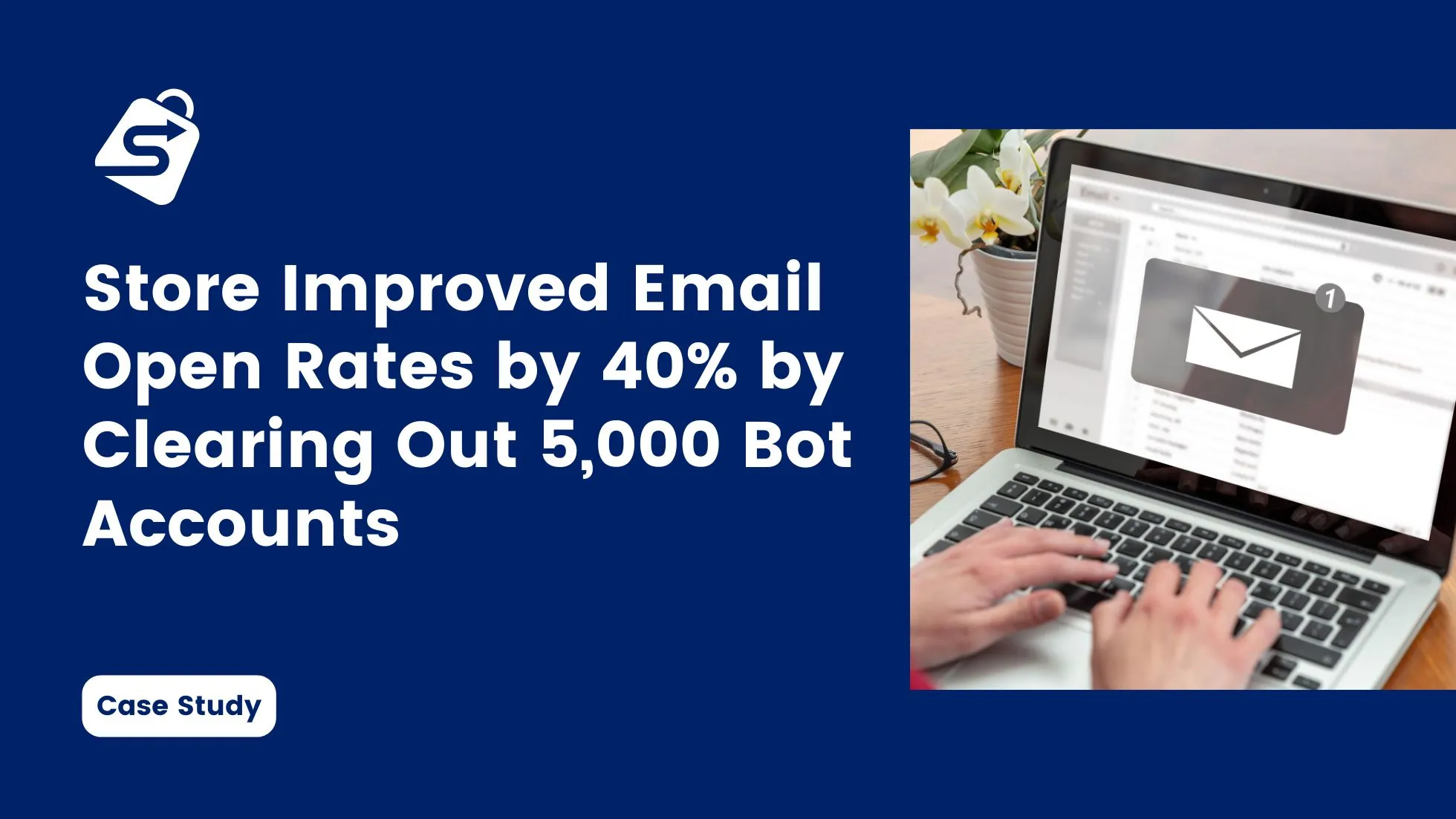
After a deep technical audit, we discovered that nearly half of his user base consisted of “ghost accounts”—automated bots that had registered over the course of a year. By clearing out 5,000 of these bot accounts and implementing a dedicated WordPress plugin to handle email verification, we saw his open rates jump by 40% in less than 30 days. This wasn’t just about cleaning up a list; it was about saving his brand’s reputation with the world’s biggest email providers.
The Invisible Crisis: Why Bots Target Your User Registration
If you are running a WooCommerce store, you are a target. Bots don’t just exist to post spam comments; they are often used to test stolen credit card data, scrape pricing, or simply “park” accounts for future malicious use.
For Alpine Gear, the bots were using a technique called “low and slow” registration. They weren’t hitting the site all at once, which would have triggered his basic firewall. Instead, they were registering 10 to 15 accounts a day using professional-looking email addresses from various global domains.
The danger here isn’t just a messy database. When you send marketing emails to these 5,000 fake accounts, they all “hard bounce.” To an ISP like Gmail or Outlook, a high bounce rate is the #1 signal that you are a spammer. Once your “Sender Reputation” is damaged, your emails to real customers start getting filtered into the spam folder. That is how a bot problem becomes a revenue problem.
The Audit: Identifying the 5,000 “Ghosts”
The first step in our case study was identifying which accounts were real and which were automated. We couldn’t just delete everyone; we had to be surgical. If you are doing this on your own store, here is the pattern we looked for in the WordPress user list:
- Inconsistent Metadata: Bots often fill out registration forms in ways that don’t make sense. We found hundreds of accounts where the “First Name” was a string of random characters like ajkh123.
- No Order History: Out of the 5,000 identified bots, zero had ever made a purchase or even added an item to a cart. They were purely “registration bots.”
- Domain Patterns: While some used Gmail, a huge portion used obscure, temporary email domains that are commonly used for automated scripts.
- Registration Spikes: We cross-referenced registration dates with site traffic. On days when traffic was low but registrations were high, we knew we were looking at automated activity.
By the time we finished the audit, the numbers were clear. Alpine Gear didn’t have 12,000 customers; they had 7,000 customers and 5,000 digital parasites.
The Cleaning Phase: Preparing for the Purge
Cleaning a database of this size requires caution. You never want to run a bulk delete command without a full backup of your site. I’ve seen developers accidentally wipe out their entire customer base because they didn’t double-check their SQL queries or their plugin filters.
We used a staged approach. First, we moved the 5,000 suspected bots into a “Pending Review” status. Then, we ran a small test. We sent a very specific, plain-text email to those 5,000 accounts asking them to confirm they were still interested in the brand.
The result? Zero opens. Zero clicks. Total silence.
That was the final proof we needed. These weren’t just “unengaged” customers; they didn’t exist. We proceeded to purge those 5,000 accounts, instantly reducing the size of the database and the monthly cost of Alpine Gear’s email marketing platform.
Implementing the Barrier with Swift Commerce
Once the “poison” was out of the system, we had to make sure it didn’t come back. We needed a professional WooCommerce addon that could handle the heavy lifting of user integrity.
I’ve always believed that the best security is the kind that works automatically so the founder doesn’t have to. We implemented the email verification feature of Swift Commerce, a WordPress plugin I designed to handle exactly these kinds of ecosystem challenges.
1. Automated Verification Links
We set the plugin to automatically send a verification link the moment a new user registered. If the link wasn’t clicked within 24 hours, the account remained restricted. This meant that even if a bot managed to bypass the initial registration form, it could never “activate” its account without accessing an actual inbox.
2. Advanced Link Expiry and Controls
But here is the thing: bots are getting smarter. Some can actually “click” links if they are left active for too long. We used the advanced controls in the plugin to set a strict expiry on those links. This ensured that only a human, acting in real-time, could verify the account.
3. The Custom Email Designer
We didn’t want the verification process to feel like a cold, technical hurdle. Using the built-in email designer in our WordPress plugin, we created a beautiful, branded verification email.
We included Alpine Gear’s logo, used their signature “mountain blue” colors, and wrote a friendly message: “We’re so glad you’re here! Just click below to confirm your email and we’ll get your account ready for the trails.” By making the email look like a part of the brand, we ensured that real customers felt safe clicking the link.
The Results: A 40% Jump in Performance
The impact was almost immediate. The very next marketing campaign Alpine Gear sent out was to their “cleaned” list of 7,000 real users.
- Open Rates: Jumped from 4% to 44%.
- Click-Through Rates (CTR): Increased by 15%, as the emails were finally reaching people who actually wanted the products.
- Deliverability: Their “Sender Score” improved significantly, and for the first time in months, their test emails were landing in the “Primary” tab of Gmail instead of “Promotions” or “Spam.”
- Cost Savings: By removing 5,000 fake subscribers, they were able to downgrade their email marketing plan, saving over $80 a month in subscription fees.
But the biggest win was the data. The founder could finally trust his dashboard again. When he saw a 10% conversion rate on a sale, he knew it was a real 10% of his actual audience, not a diluted number skewed by thousands of bots.
Lessons for Every WooCommerce Founder
If you feel like your email marketing is “broken,” I want you to consider that it might not be your content—it might be your list. Here is how you can apply the lessons from this case study to your own store:
1. Stop the “Ghost” Growth Don’t celebrate a high user count if you aren’t verifying those users. A smaller, verified list is worth ten times more than a large, unverified one. Use an addon that forces a “handshake” at registration.
2. Audit Your “Pending” Users If you have a backlog of users who haven’t verified their emails after 30 days, delete them. They are almost certainly bots or people who aren’t serious about your brand. Keep your database lean. This is a core part of your WooCommerce Security & Compliance Checklist for 2026.
3. Monitor Your Deliverability If your open rates are consistently dropping, don’t just change your subject lines. Check your “Bounce Rate” in your email service provider. If it’s over 2%, you have a bot problem that needs to be addressed at the source.
4. Performance is Security Every extra script and every fake user account affects your site’s health. By consolidating your features—like verification, security, and recovery—into a single, high-performance WordPress plugin, you are making your store more resilient and much faster.
Why “Clean” Data is the Key to Scaling
Also, I should mention that having a clean list is essential if you want to use sales recovery strategies effectively. If your “Abandoned Cart” emails are being sent to 5,000 bots, you are wasting server resources and risking your domain’s reputation.
I’ve spent my career helping people understand that technical excellence and business growth are two sides of the same coin. Alpine Gear’s success wasn’t due to a “magic” marketing trick; it was due to a fundamental cleanup of their technical infrastructure.
When your store is clean, your marketing works better. Your ads are more effective because you are retargeting real people. Your emails are more profitable because they are actually being read. And as a founder, you have the clarity you need to make big decisions.
Final Thoughts: Take Control of Your Inbox
Don’t let bots dictate the success of your email marketing. It is your store, and you should have total control over who is allowed into your community.
By using a professional WooCommerce addon to handle email verification and security, you are protecting your most valuable asset: your relationship with your customers. It only takes a few minutes to set up the barrier, but the benefits—as we saw with Alpine Gear—can last for years.
Take a look at your user list today. If you see 5,000 “ghosts” lurking in the background, don’t be afraid to clear them out. Your open rates (and your sanity) will thank you.