


Email Verification: standalone feature deprecated. Email Verification and Registration Form are now combined in Registration & Access. The functionality remains available; its settings now live in one workspace. This page is retained for earlier versions. Explore Registration & Access.
WooCommerce email verification.
Legacy feature reference.
WooCommerce email verification now lives in Registration & Access. Use the current workspace to confirm customer inbox access; this page preserves the standalone feature details for earlier versions.
Email Verification for WooCommerce. Part of the Swift Commerce WordPress plugin.
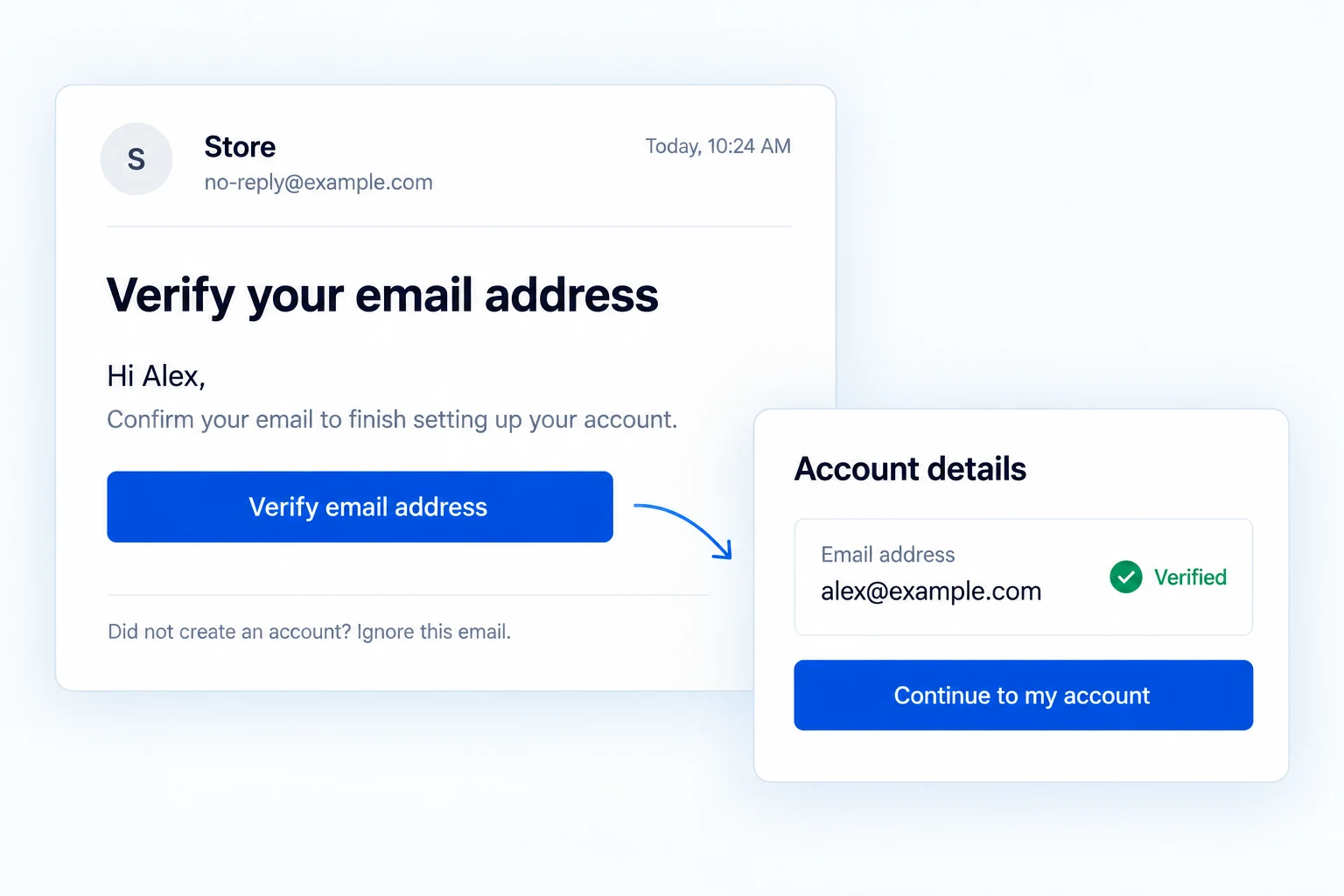
WooCommerce email verification after registration.
Verify addresses on WordPress and WooCommerce registration, give customers a resend route and tailor the message. Pro adds pending-user management, administrator approval and checkout checks for tracked unverified signed-in customers.
Put a confirmation step after registration.
A new WordPress or WooCommerce My Account registration receives a verification link. The account is tracked as unverified until the customer follows it.
Choose role exemptions carefully: assigning a public registrant to an exempt role can bypass the check.
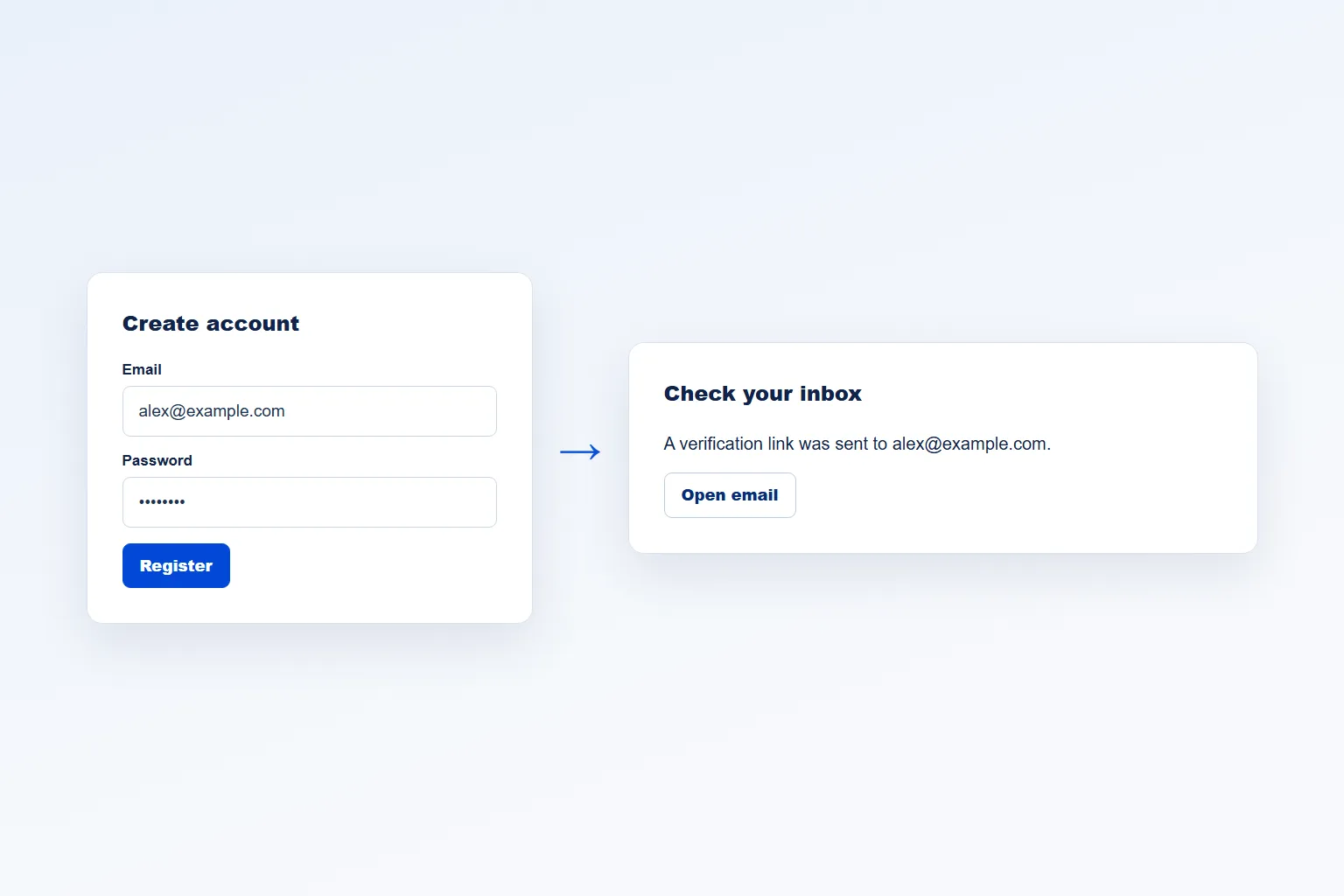
Send a message that explains the next step.
Edit the subject, heading and body in the shared Email Customizer. Customer, site, verification-link and expiry placeholders help keep the message personal and useful.
Preview the result before saving and test mail delivery on the actual store.
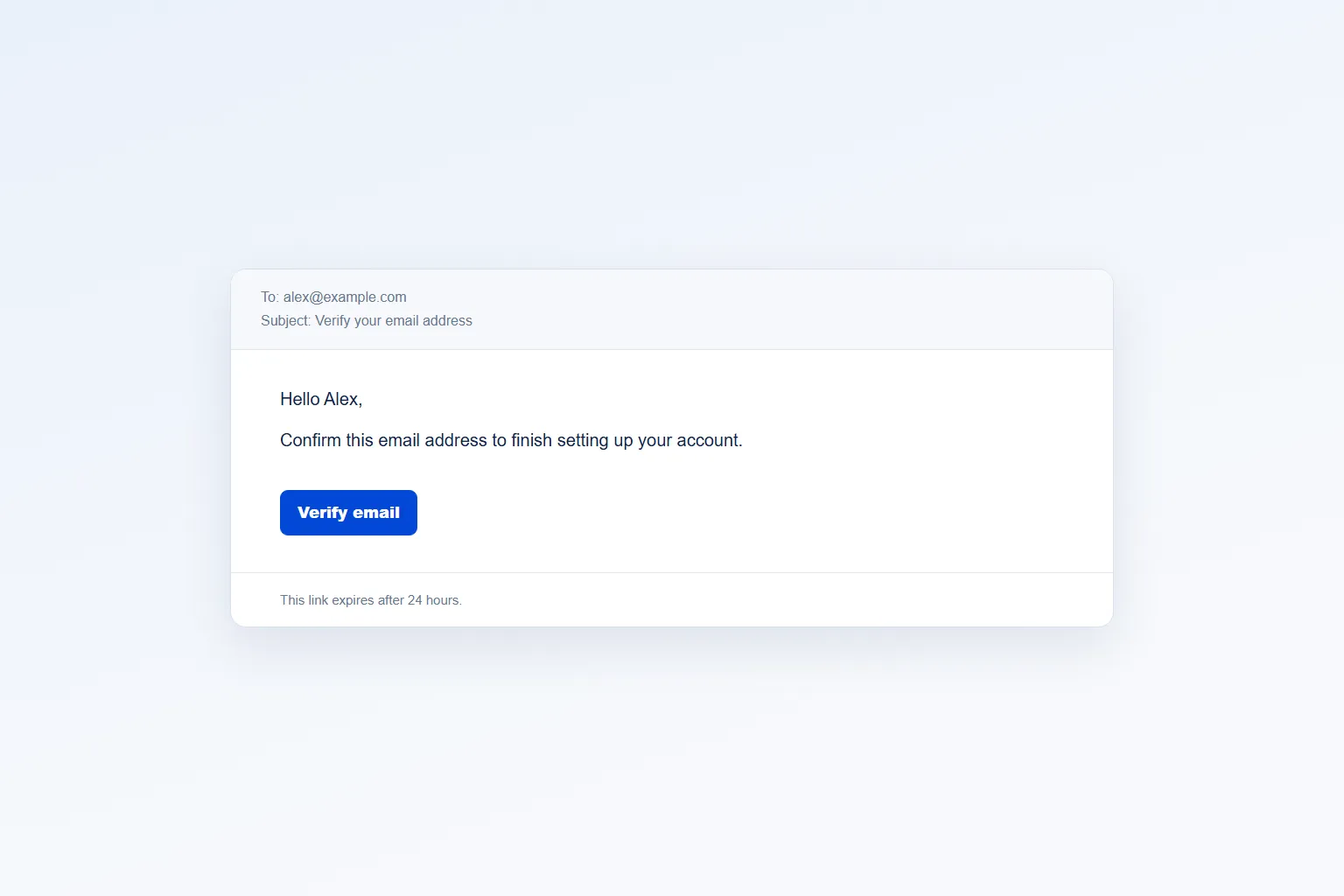
Give customers a way to request another link.
Free includes a rate-limited self-service resend form when a link is lost or expires. The default verification link expires after 24 hours.
Pro makes link duration and manager resend limits configurable.
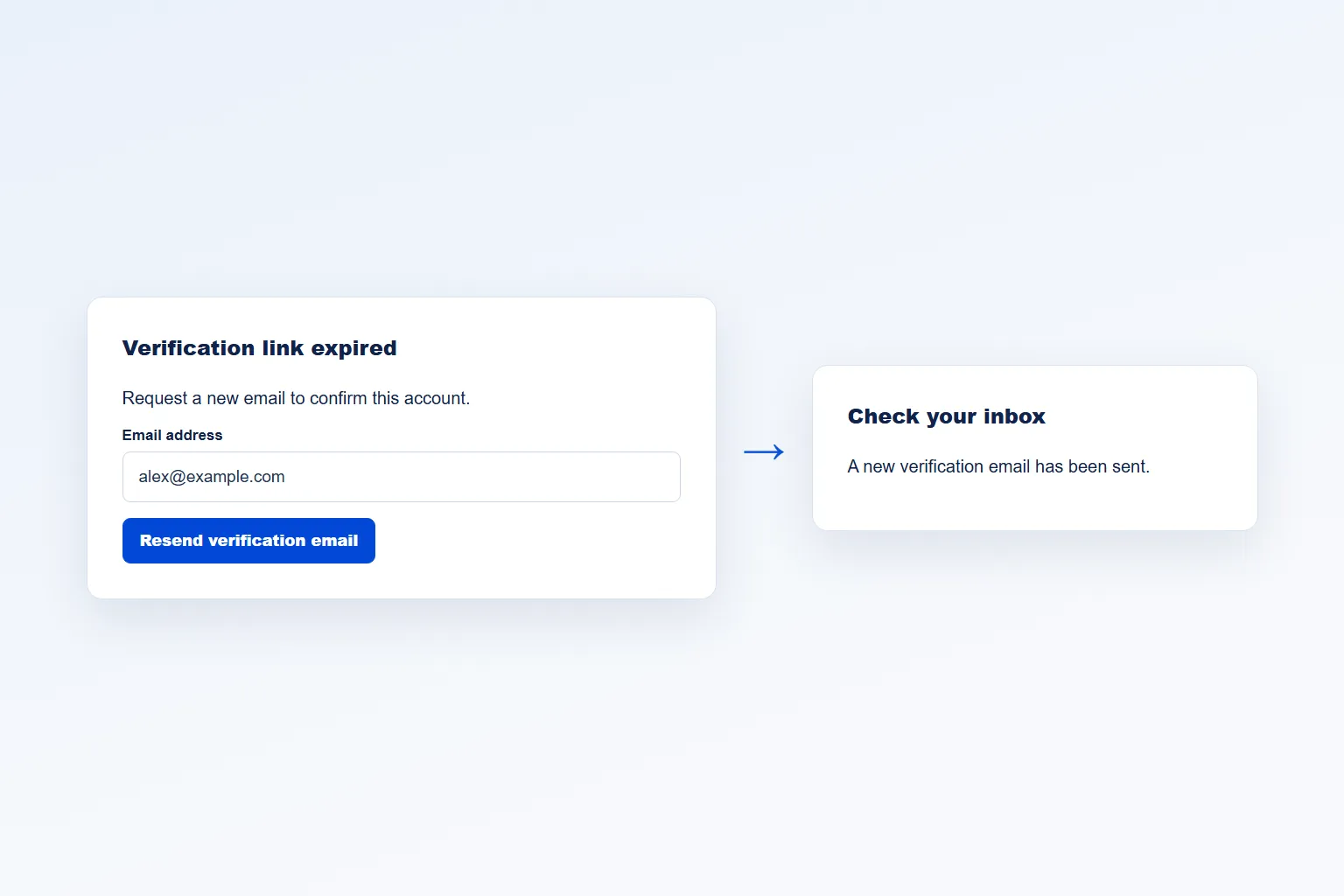
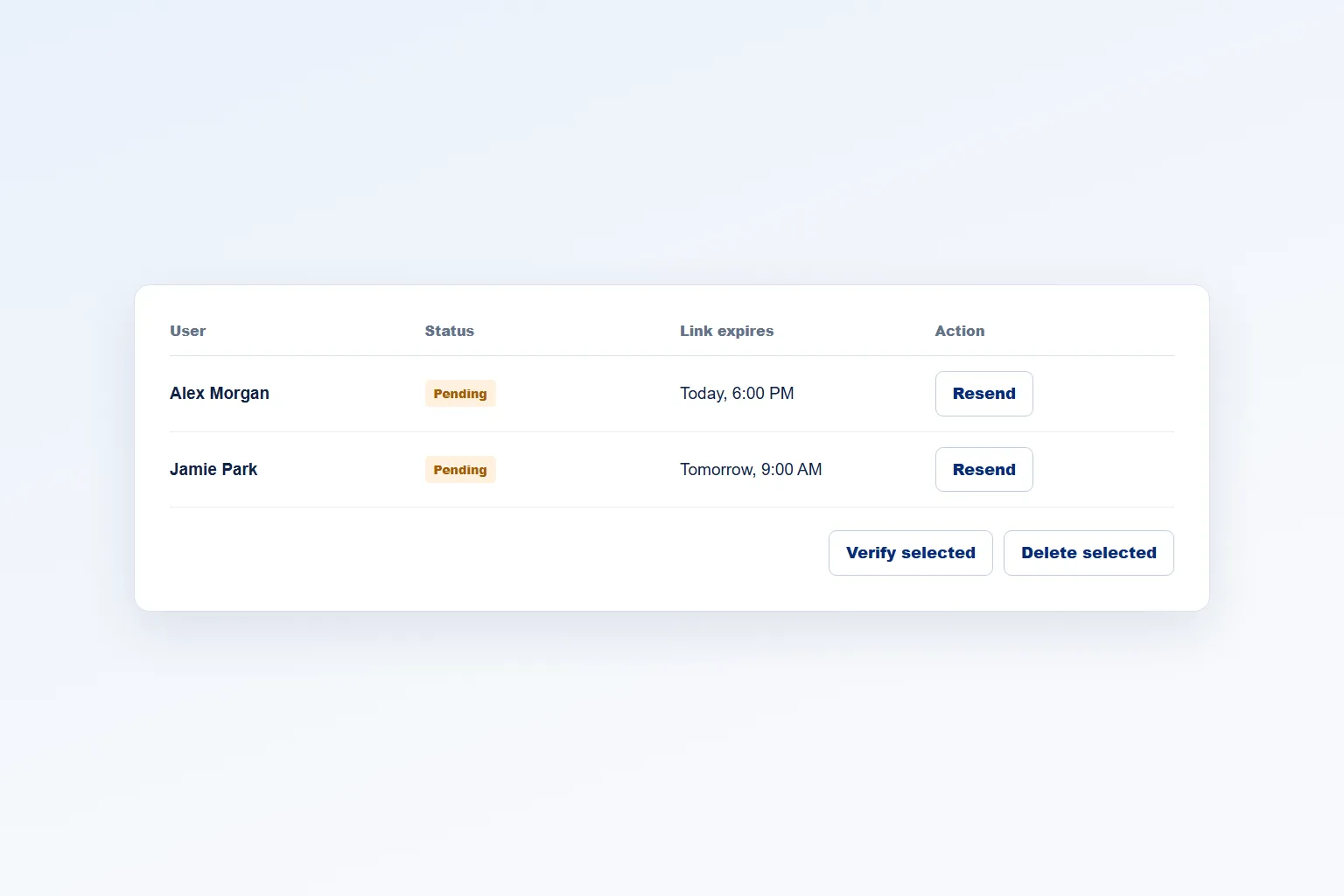
See and resolve pending accounts.
The Pro pending-user view shows verification status, expiry and resend counts with search. Staff can verify or delete selected accounts in bulk and resend to one account at a time.
Automatic cleanup of old unverified users is optional and should be set conservatively because deletion cannot be undone from this feature.
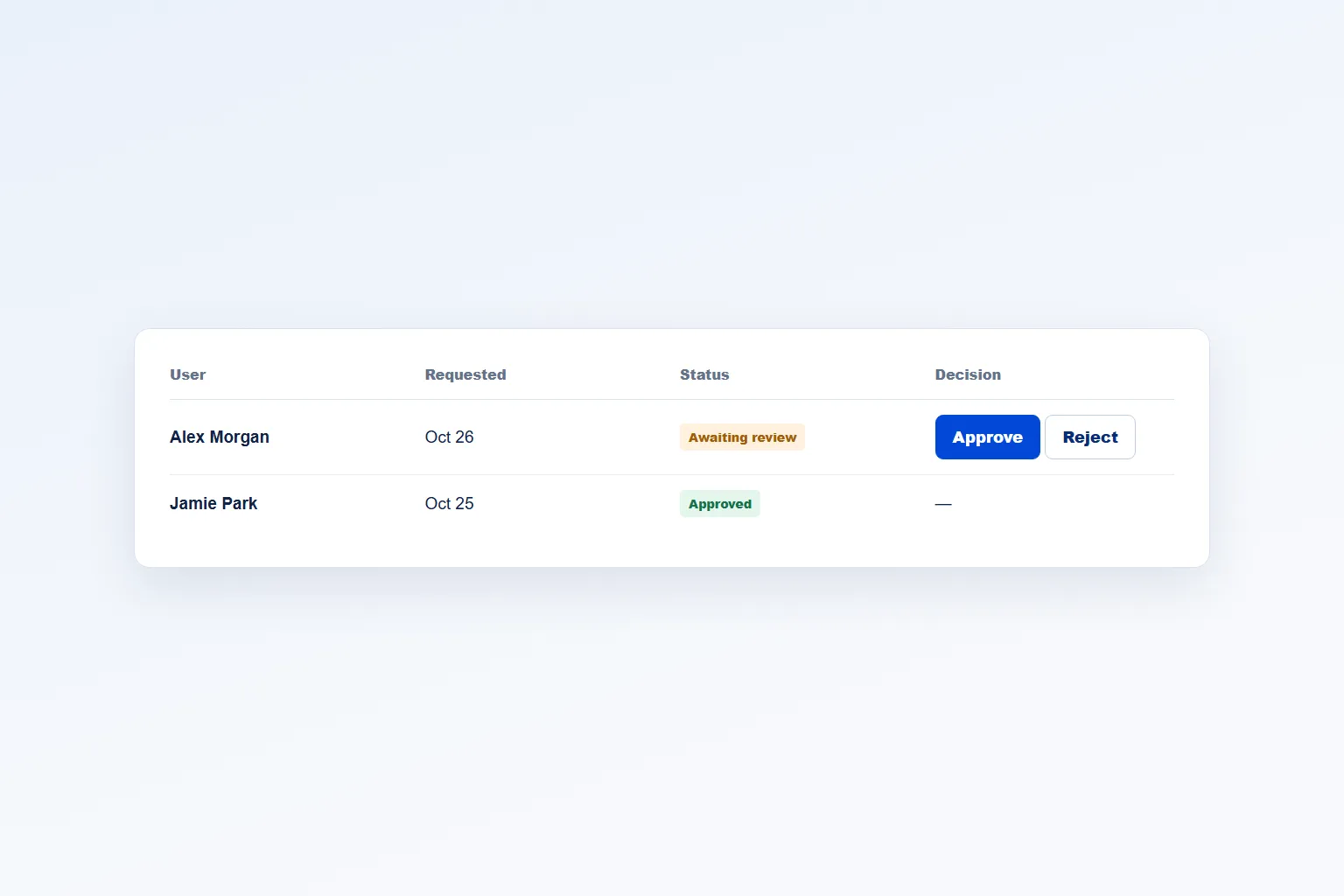
Use administrator approval when a link is not enough.
Pro can route new registrations through manual approval or rejection and send the corresponding customer and administrator messages.
Approval is a different gate from email-link verification; choose the mode that matches how the store admits customers.
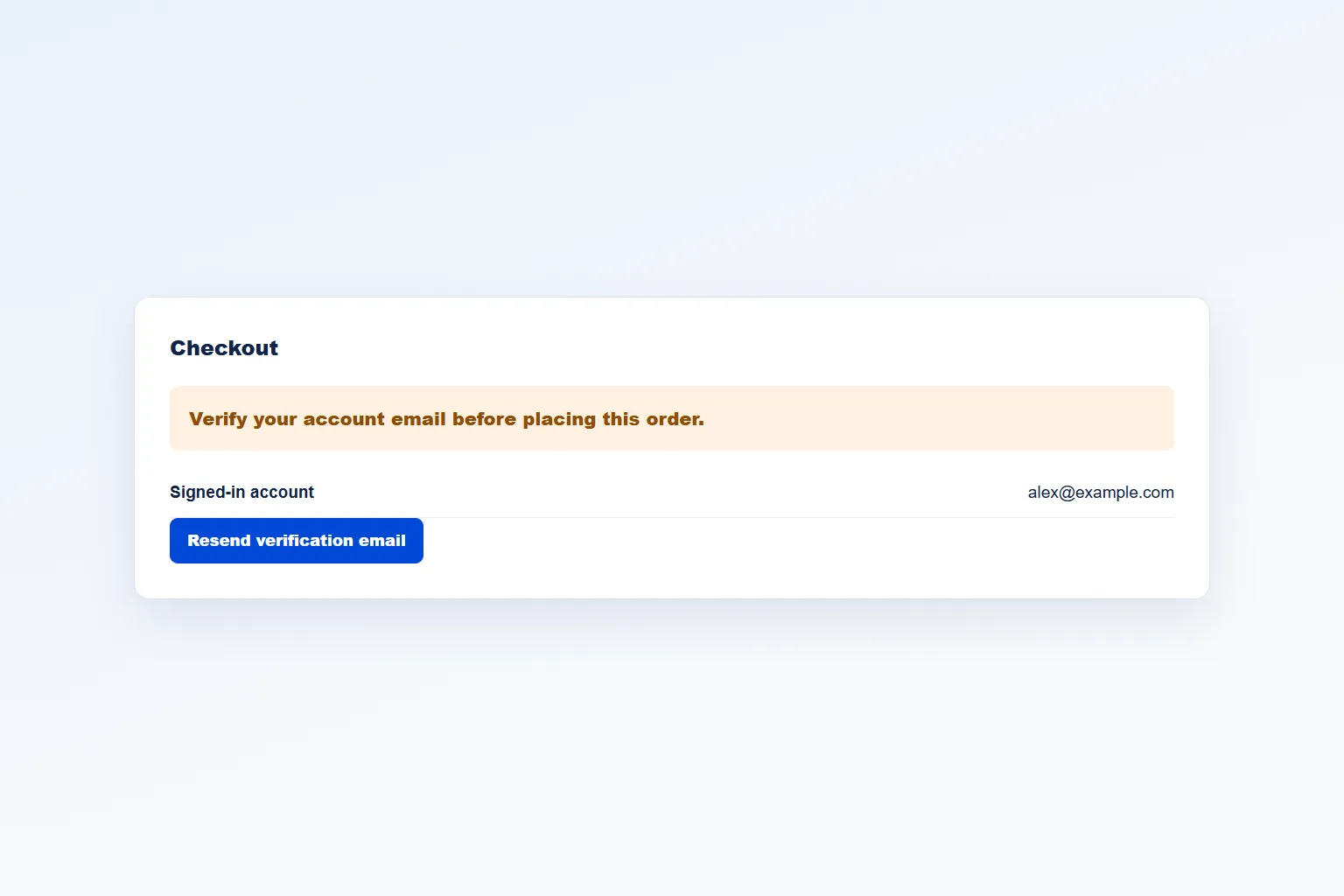
Check tracked signed-in accounts at checkout.
Pro can stop a logged-in account already marked unverified from completing classic checkout or Checkout Blocks, then direct them to verification.
This does not verify guest checkout email addresses and does not guarantee that every order contact address is confirmed.
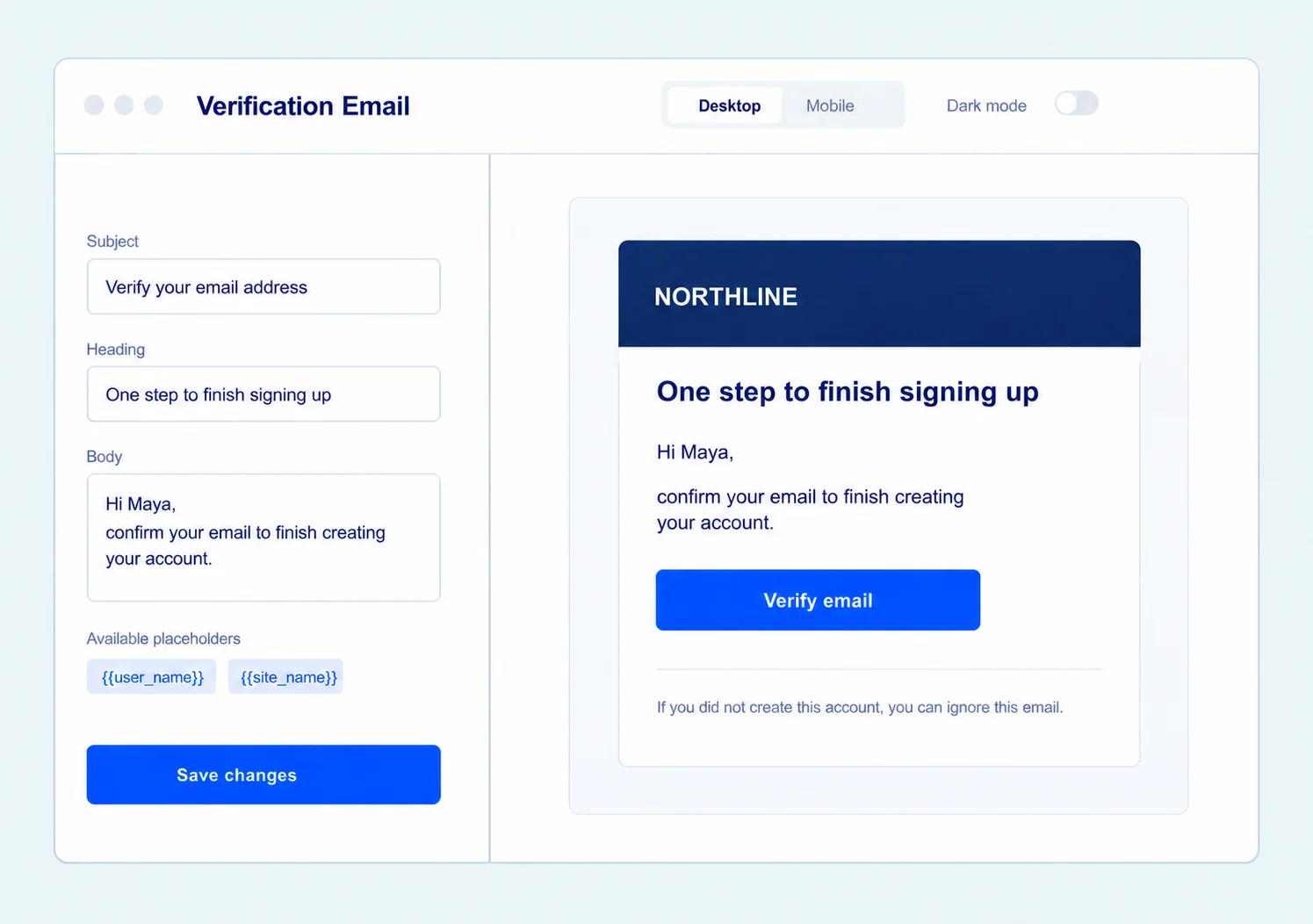
Make verification emails sound like your store.
Use the shared Email Customizer to edit the verification email’s subject, heading and body. Insert customer and verification-link placeholders, preview the branded result and send yourself a test.
The core verification email is available in Free. Pro also unlocks the separate customer and administrator messages used by the approval workflow.
Get the full feature.
And the rest of the suite.
One Swift Commerce Pro license unlocks the complete feature set across all 16 tools, advanced design controls and premium support. No separate purchase for Email Verification.
Compare Free and Pro.
Start with the Email Verification essentials in Free, or use Pro for the expanded controls shown below.
| What you can do | Free | Pro |
|---|---|---|
| WordPress and WooCommerce registration verification | Included | Included |
| Editable verification email and preview | Included | Included |
| Role exemptions and self-service resend | Included | Included |
| Configurable link expiry and manager resend limits | Not included | Included |
| Searchable pending-user management | Not included | Included |
| Bulk verify/delete and individual resend | Not included | Included |
| Administrator approval and rejection workflow | Not included | Included |
| Logged-in unverified checkout enforcement | Not included | Included |
| Automatic cleanup and post-verification redirect | Not included | Included |
Questions about Email Verification.
Specific answers about setup and Free versus Pro.
Is verification available for WooCommerce My Account registration?
Yes. Both WordPress and WooCommerce registration are supported in Free.
Can a customer resend the email in Free?
Yes. The self-service resend is rate-limited; Pro adds manager controls and configurable limits.
Does Pro verify guest checkout emails?
No. The current checkout check applies to logged-in accounts explicitly tracked as unverified.
Can staff resend to all pending users at once?
No. Current bulk actions cover verification and deletion; resend is per user.
What is the default link duration?
Free links use a 24-hour expiry. Pro lets the store configure it.
Is manual approval the same as email verification?
No. Pro offers administrator approval as an alternative registration gate with approve and reject actions.